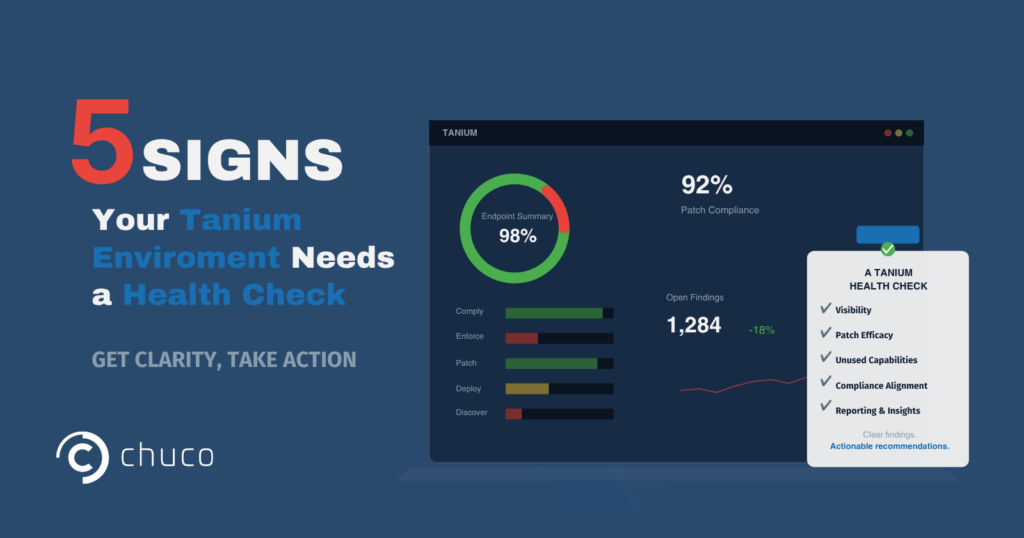
5 Signs Your Tanium Deployment Needs a Health Check

A Tanium health check isn’t an audit and it isn’t a critique of your team. It’s a focused review of how your Tanium environment is actually performing against what it’s capable of delivering. The gap between those two things is almost always larger than expected, and it’s almost never because the team lacks skill. It’s because bandwidth, competing priorities, and the depth of the platform make it difficult to stay on top of everything Tanium can do.

We run health checks across environments of every size, and the same patterns show up consistently. Here are the five signs that tell us a Tanium health check is overdue.

1. Endpoints That Have Gone Dark

This is the most common finding and the most quietly dangerous. Endpoints that have stopped reporting to the Tanium Console but haven’t triggered any alert. The dashboard shows a number. That number looks stable. But underneath it, a percentage of your fleet has gone silent.

It happens for predictable reasons: machines reimaged without the Tanium Client reinstalled, VPN-only devices that haven’t connected in weeks, endpoints where the Tanium Agent was removed during troubleshooting and never put back. Each one is a blind spot in your visibility. And visibility is the entire foundation Tanium is built on.

A Tanium health check maps exactly how many endpoints have gone dark, why, and what it takes to bring them back.

2. Patches That Deployed but Failed Silently

The compliance dashboard shows green while individual endpoints stayed vulnerable. This is the second most common finding and the one that creates the most false confidence.

Tanium Patch deployed the update. The action is completed. But on a subset of endpoints, the patch didn’t actually take. Maybe a prerequisite was missing. Maybe a reboot was required, but it never happened. Maybe the endpoint was offline during the maintenance window, and the follow-up deployment never ran.

The result is a compliance metric that overstates your actual patch coverage. It looks fine until an audit pulls the real numbers or an incident exposes an endpoint that should have been patched weeks ago.

A Tanium health check digs into patch efficacy at the endpoint level, not just the deployment level. Confirmed successful application rates, not just “patches sent.”

3. Automation Capabilities Sitting Unused

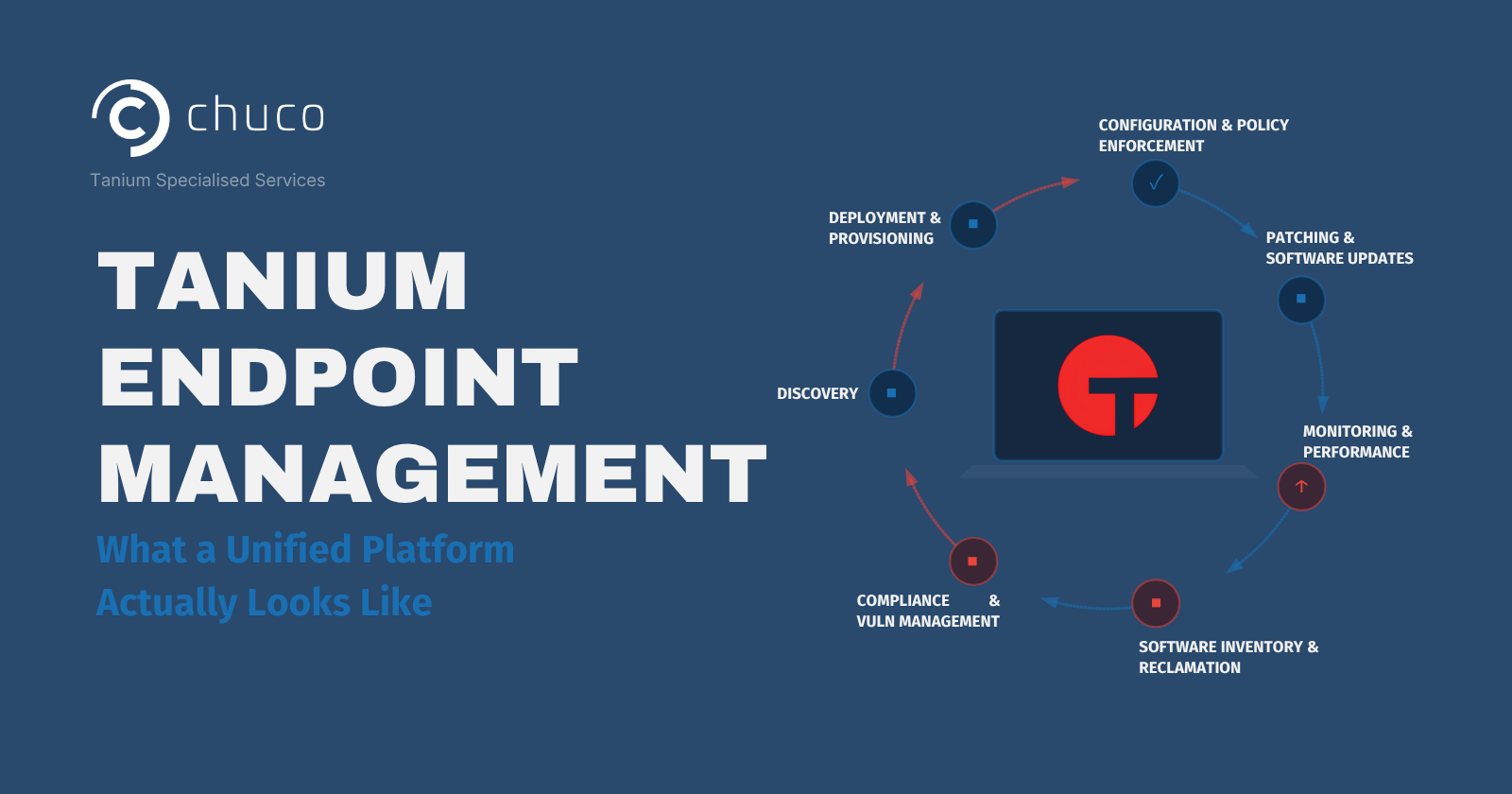
This one isn’t a failure. It’s an opportunity cost. Tanium modules that are licensed and available in your environment but haven’t been configured or activated. Tanium Enforce sits dormant while Comply runs scans. Tanium Deploy is available for third-party patching, but is only being used for OS updates. Automated remediation workflows that could close findings without manual intervention, but were never built out.

This is the sign most directly tied to bandwidth and competing priorities. Your team knows these capabilities exist. They may even have plans to activate them. But the day-to-day workload of keeping the environment running doesn’t leave room to go deeper into the platform.

A Tanium health check identifies which unused capabilities would deliver the most value for your specific environment, so when your team does have capacity, the priority list is already built.

4. Compliance Gaps Between Tanium Comply and Tanium Enforce

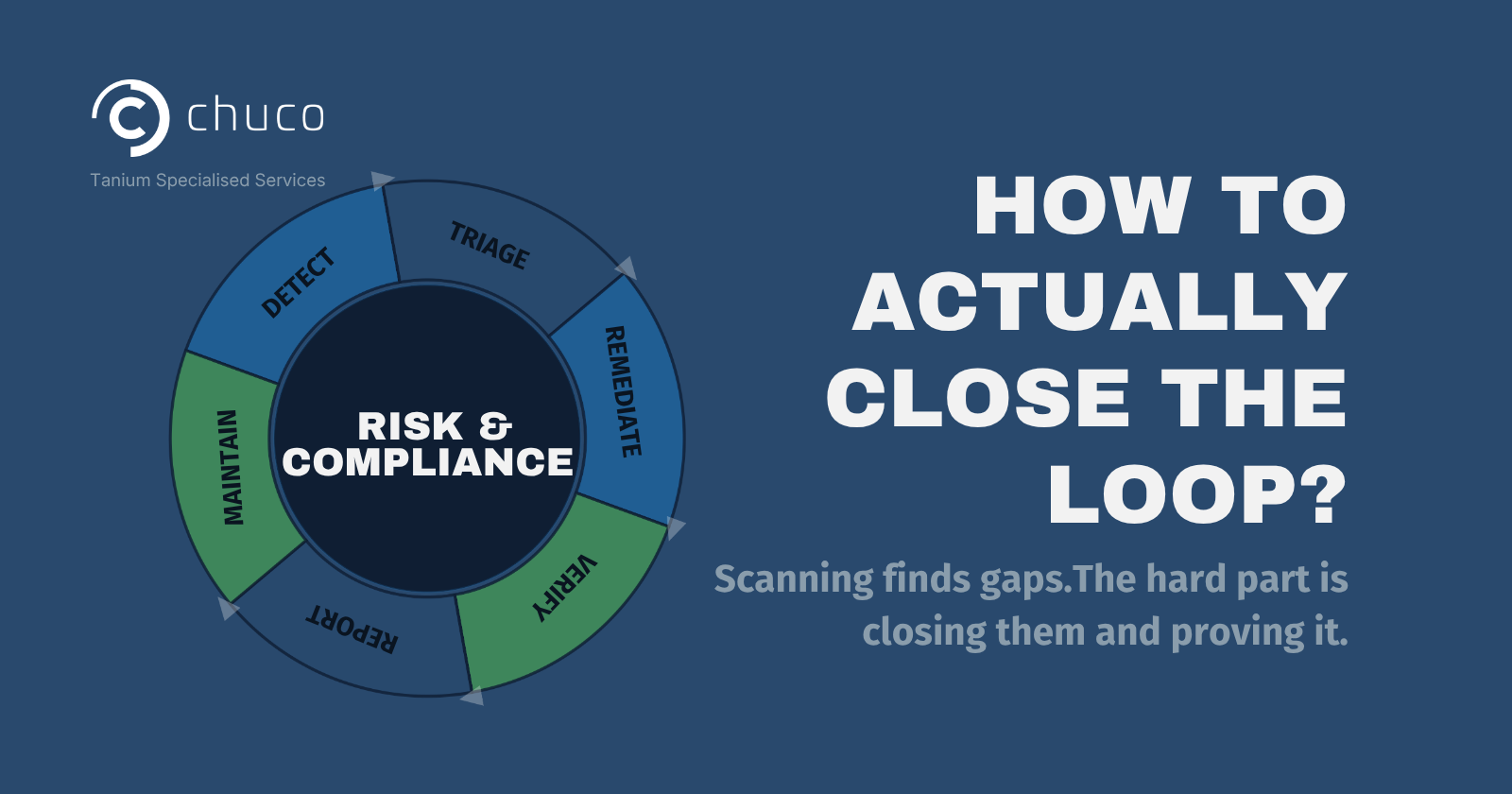
Tanium Comply scans your environment for configuration compliance gaps and known vulnerabilities. Tanium Enforce ensures that security policies and configurations stay applied across endpoints. When these two modules aren’t working together, you get a detection loop without a remediation loop.

Comply surfaces findings. The team triages and remediates manually. The next scan surfaces the same findings again on endpoints where the fix didn’t stick or where configurations drifted back. The backlog grows not because new vulnerabilities are appearing, but because old ones keep coming back.

The Comply and Enforce pairing is one of the most impactful optimizations a Tanium health check can recommend. When Enforce is configured to maintain the configurations that Comply checks for, the remediation loop closes itself. Findings go down and stay down.

5. Reporting That Doesn't Reach the Right Audience

Tanium generates a significant amount of data. The question is whether that data is reaching the people who need it, in the format they can act on. Senior executives who need a summary view are getting raw data exports. Operational directors who want to explore the numbers are getting static PDFs. Technical custodians who need endpoint-level detail are digging through the Console manually because no one has built automated reports for their use case.

This isn’t a Tanium limitation. The Tanium API makes it possible to build custom reporting tailored to any audience and deliver it on any schedule. It’s another case where the capability exists but the bandwidth to build and maintain it hasn’t been available.

A Tanium health check evaluates whether your reporting matches the needs of your stakeholders and identifies where automation can replace manual effort.

What These Signs Have in Common

None of these findings are exotic. They show up in most environments we walk into because they all stem from the same root cause: teams that have the skills to run Tanium well but not enough dedicated bandwidth to stay on top of everything the platform offers.

That’s not a criticism. Tanium is a deep platform with capabilities that expand with every release. Keeping up with it while managing every other IT priority is a challenge even well-staffed teams face. A Tanium health check simply gives you a clear, honest picture of where things stand so you can make informed decisions about what to prioritize next.

This isn’t a Tanium limitation. The Tanium API makes it possible to build custom reporting tailored to any audience and deliver it on any schedule. It’s another case where the capability exists but the bandwidth to build and maintain it hasn’t been available.

A Tanium health check evaluates whether your reporting matches the needs of your stakeholders and identifies where automation can replace manual effort.

Two Ways to Act on What a Tanium Health Check Surfaces

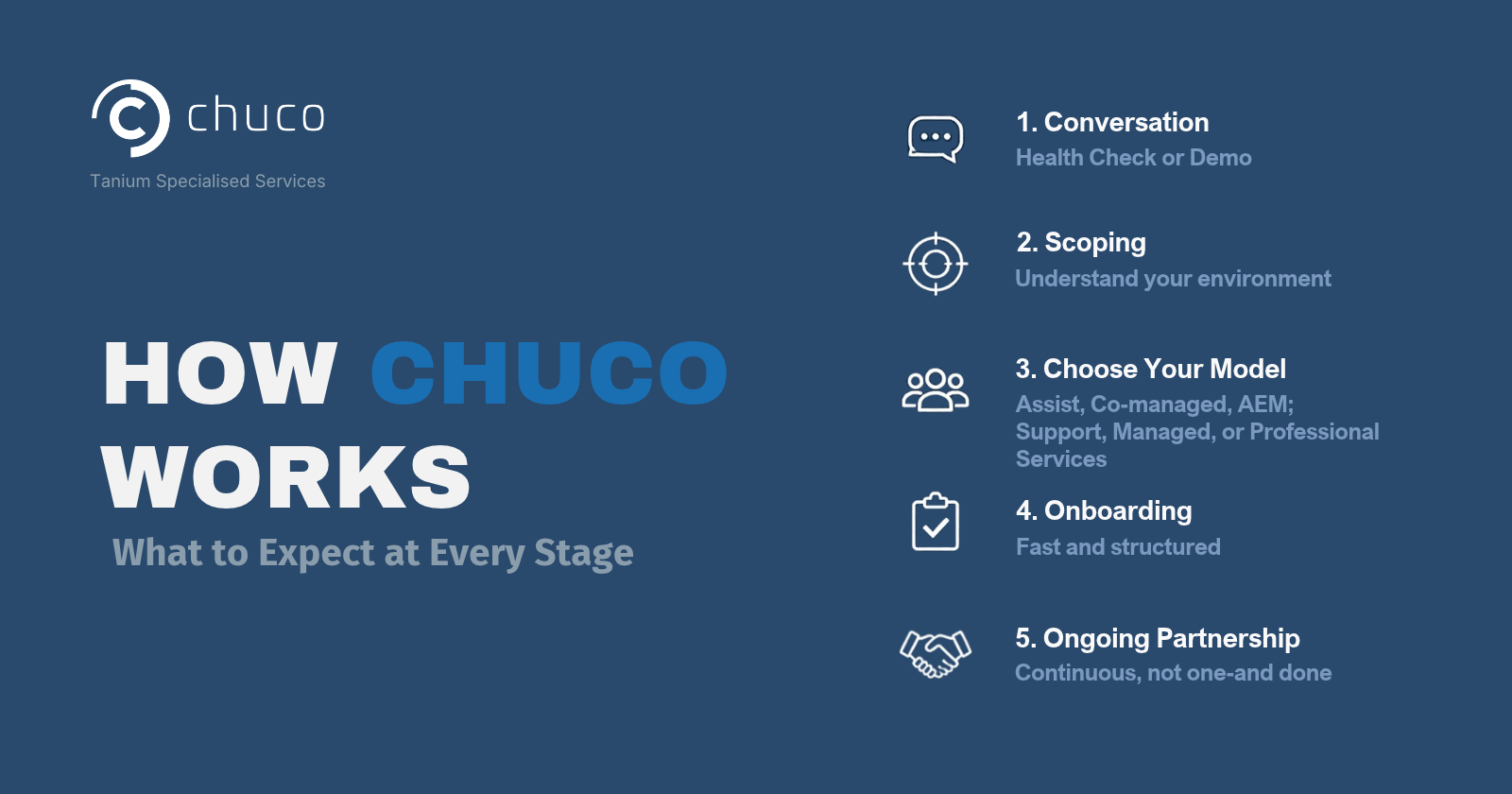
If you own Tanium and want to get more from it, schedule a Tanium Health Check. It takes about 45 minutes with our team and gives you a prioritized list of findings with specific recommendations. No commitment beyond the conversation.

Explore our Services hub to see how Chuco’s managed services, support subscriptions, and professional services engagements can help close the gaps a health check surfaces.

If you’re evaluating Tanium for the first time, a health check framing can also help you understand what to expect from the platform and what operational investment it requires. Try our ROI Calculator to see the cost difference between running Tanium yourself and partnering with Chuco, or explore our Licensing hub to learn about Chuco Assist, Co-Manage, and Managed AEM options.

Stay Ahead with the Tanium Insider Newsletter!

Other Resources that might interest you ​